An AI-generated answer can contain a citation and still overstate what the source says. Good research therefore needs a process for checking the connection between a claim and its evidence.
Here is how to use NotebookLM for research: define a narrow question, add relevant sources, compare their findings and verify important claims in the original documents. Treat the tool as help with organising and synthesising material, not as a replacement for source selection or judgment.
Naming note: Google announced NotebookLM’s change to Gemini Notebook in July 2026. This guide retains “NotebookLM” because it remains a familiar search term. Labels in your account may use the newer name.
Table of Contents
Start with a research question you can actually answer
“Research remote work” is too broad to guide useful source selection. “What evidence in these sources explains why small teams struggle with remote onboarding?” provides a clearer target.
Write down the question, audience and decision the research should inform. Also identify what would count as a sufficient answer. Without that boundary, you can keep adding sources without improving the conclusion.
For a product decision, the question might be: “Which of these plans supports client file uploads, and what limitations would affect a solo consultant?” That calls for current official documentation, not a collection of old opinion pieces.
Choose sources before asking for a summary

Use primary material where possible: original research, official documentation, direct statements or the underlying dataset. Secondary explanations can provide context, but several articles repeating one source do not become several independent pieces of evidence.
For each candidate, record the author or organisation, publication date, purpose and relevance. Check whether it actually addresses your question. A recent source about a different population or product tier may be less useful than an older source that directly matches the task.
Include credible disagreement when it exists. A notebook containing only evidence for your preferred answer can produce a polished version of your initial bias.
Our overview of AI research tools can help you distinguish tools for discovering material from tools for working with a selected source collection.
Import the material and check what arrived
Open NotebookLM and use the supported source-import options. Review Google’s current help documentation for capabilities and limits that apply to your account.
After import, inspect the source list and a sample of the content. Check the title, date, missing pages and any sections that depend on tables or images. Do not assume that a web page, PDF or recording was imported completely merely because it appears in the list.
Give sources recognisable names. “Vendor pricing — checked October” is more useful than several files named “download.” Preserve the original URL or file reference outside the notebook so you can reopen it later.
Do not upload confidential client material without checking your permission, account settings and the applicable data-handling terms. A research convenience is not a reason to disregard a client’s access restrictions.
Work in three passes: map, compare and challenge
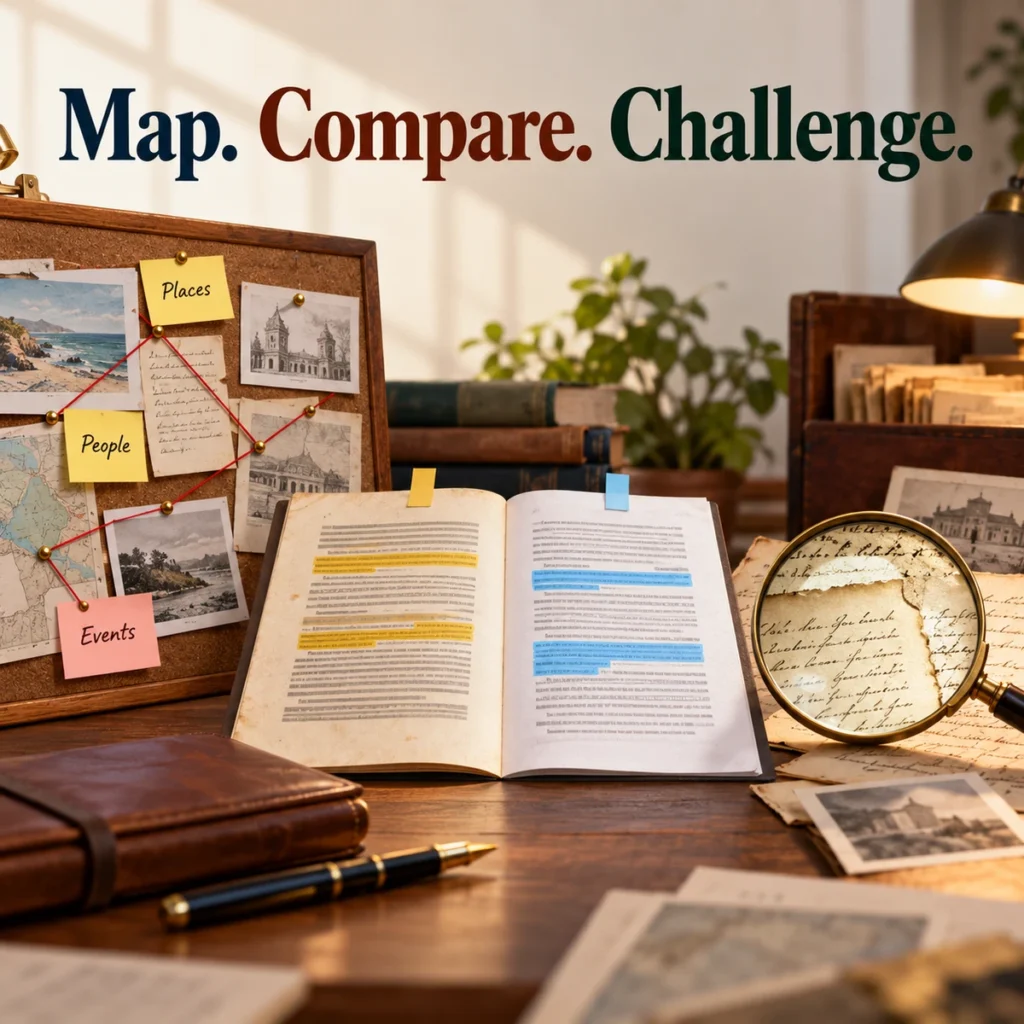
Pass 1: map the evidence
Start by asking what each source contributes rather than requesting a final conclusion immediately.
Prompt: “For the question [question], list the main claim made by each selected source. Identify its evidence type, relevant date and important limitations. Cite the passage supporting each summary. If a source does not address the question, say so.”
Read the result for obvious mismatches. A source being mentioned does not mean its content has been represented accurately.
Pass 2: compare the sources
Prompt: “Where do these sources agree, disagree or discuss different conditions? Separate genuine disagreement from differences in definitions, dates, populations or product plans. Cite both sides of each comparison.”
This helps avoid a common mistake: treating two statements as contradictory when they describe different circumstances. For example, a feature available on a paid plan does not contradict documentation saying it is unavailable on a free plan.
Pass 3: challenge the proposed conclusion
Prompt: “Here is my provisional conclusion: [conclusion]. Which parts are directly supported, which are inference, and which remain unsupported by these sources? Identify the strongest counter-evidence and what additional information would change the conclusion.”
Do not accept a reassuring answer merely because it sounds cautious. Check whether the cited material actually supplies the objection or qualification described.
Check every important citation in context
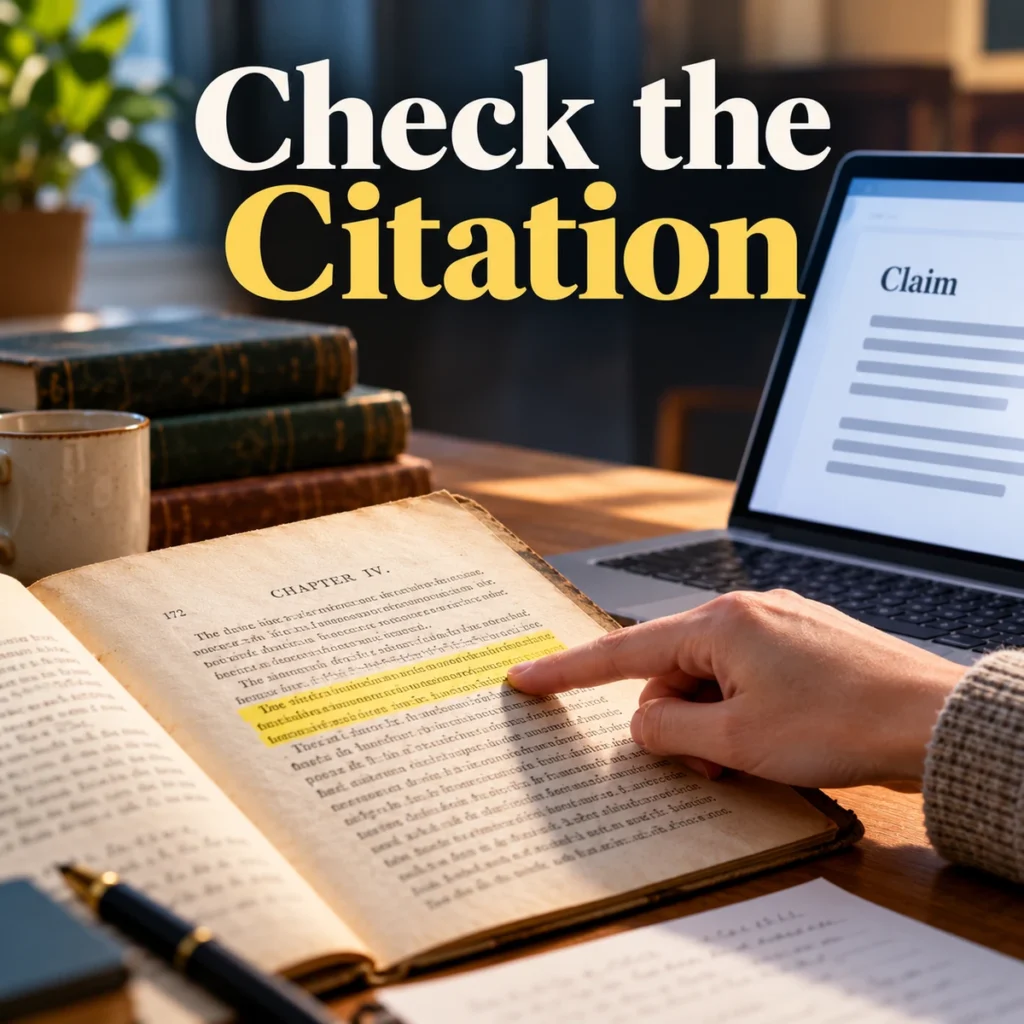
Open the original source for claims that affect the reader’s decision. Read the cited passage and the surrounding section. Ask four questions: does it support the claim, does it apply to the relevant situation, is it current enough, and has an important qualification been omitted?
Suppose a summary says a tool offers unlimited submissions. The original page may add a fair-use condition or separate storage limit. The accurate conclusion needs that boundary when it matters to the proposed use.
For research findings, distinguish association from causation, a small study from broad evidence, and an author’s interpretation from the underlying result. A citation makes a claim traceable; it does not automatically make the claim correct.
Keep a short evidence log outside the chat
Create one entry per consequential claim. Record the proposed wording, original source, supporting passage or location, relevant limitation and your decision to keep, qualify or remove it.
For example: “Claim: this plan supports the required payment workflow. Source: official plan documentation. Limitation: country and processor eligibility still require confirmation. Decision: retain with that qualification.”
This log helps when an article is updated or someone asks why a recommendation was made. It also prevents a later rewrite from quietly converting a cautious finding into a confident promise.
Turn verified findings into a useful output
Build the outline after checking the evidence. Lead with the answer, explain the conditions and provide enough source detail for the reader to assess important claims.
If you are preparing slides, our AI presentation-maker guide covers a separate production step. An attractive presentation does not fix a weak source base. Keep citations and qualifications visible in the finished material.
For client research, record the approved question and deliverable during client onboarding so research does not expand indefinitely beyond the brief.
Frequently asked questions
Can NotebookLM replace a literature review?
No. It can assist with selected material, but a rigorous literature review also needs a defensible search strategy, inclusion criteria and critical appraisal. Missing evidence cannot be recovered by summarising the same limited source collection again.
Are its citations always accurate?
Do not assume so. Check important claims against the original source and surrounding context, especially when a decision depends on a number, limitation or comparison.
When should I stop adding sources?
Stop when the question is adequately supported, meaningful disagreement has been examined and the remaining uncertainty is clearly described. Add another source to resolve a specific gap, not simply to make the notebook larger.
The strongest research workflow leaves a trail from question to source to qualified conclusion. Use the tool to make that trail easier to follow.