A client portal should save a client from asking, “Where is the document, and what do you need from me?” If it creates another confusing login, it has missed the point.
The best client portal software for freelancers depends on the work you need clients to complete. Dubsado and HoneyBook suit service workflows built around documents and payments; Bonsai connects the portal to broader freelance administration; SuiteDash offers a wider business suite with more configuration. Treat these as options to test, not a universal ranking.
This comparison uses official product documentation. It does not claim hands-on testing of paid accounts or measure client completion rates.
Table of Contents
What should a freelance client portal actually do?

Start with the next action your client needs to take. For a designer, that might be approving a concept. For a consultant, it might be completing an intake form and finding meeting notes. For a writer, it might be locating the current brief and feedback deadline.
A useful portal usually needs a clear project name, the current documents, an obvious next action and a reliable way to see payment or project information. It does not need every feature a vendor sells.
Write down your five essential client actions before comparing subscriptions. Include any requirement for file uploads, multiple client contacts, branding or project-specific access. Then check those actions against the exact plan, because a product’s marketing page may describe features across several tiers.
Compare the client portal options
| Tool | Evaluate for | Main check |
|---|---|---|
|
Dubsado
|
Forms, agreements and service workflows
|
Starter includes the portal; Premier adds scheduling and automated workflows.
|
|
HoneyBook
|
Booking and managing client work
|
Starter includes the portal; Essentials adds scheduler and automations.
|
|
Bonsai
|
Connected freelance administration
|
Essentials includes the portal; Premium adds client tasks and messaging.
|
|
SuiteDash
|
A broader business workspace
|
START includes portals; PINNACLE adds full automation and FLOWs onboarding.
|
Price is only one part of the decision. A cheaper subscription can become expensive if you spend hours maintaining workarounds. A larger suite can also be wasteful when clients only need a shared document and payment link.
Dubsado — for a defined service workflow
Dubsado is a candidate when proposals, forms, contracts and invoices are central to your service. Its client portal documentation explains what the client can access and how the portal is organised.
The important buying question is whether you need the portal alone or the automation surrounding it. Check the current plans for workflow, scheduling and integration entitlements. Do not assume an entry plan contains every feature demonstrated in a tutorial.
At the October 9 check, Starter included client portals and cost $335 a year. Premier was $525 a year and added scheduling, automated workflows and Zapier integration. A portal-only requirement therefore does not automatically justify Premier. Those are annual prices in USD, before any applicable extras or taxes.
Before subscribing, set up one realistic project and use the documented portal-sharing process. Ask whether a client can identify the correct form without a separate explanatory email. A portal works best when its organisation follows the sequence of your service.
HoneyBook — for booking and managing client work
HoneyBook is worth evaluating when the transition from enquiry to booked project is a major source of administration. Look at the client journey around shared documents, scheduling and payments, not just the appearance of the account dashboard.
Check the pricing page for regional availability, billing terms and the features included in each plan. An advertised monthly equivalent billed annually is not the same as a cancellable monthly subscription. Payment availability and processing costs also deserve a separate check.
Starter included the portal, proposals, contracts and invoices at $29 per month billed yearly in the October 9 listing. Essentials added the scheduler and automations. If your goal is to automate the booking sequence, compare Essentials rather than assuming Starter’s portal includes that entire workflow.
For a freelancer, the practical test is whether the client can complete a common booking sequence on a phone. If a client still needs you to explain every step, simplify the sequence before adding more automation.
Bonsai — for connected freelance administration
Bonsai combines several parts of client and project administration. Its portal guide is a better starting point than assuming the portal behaves like a full project-management account.
Read the plans and the documentation for the particular information you want clients to see. For example, task sharing has its own client-portal controls. Access to a project does not automatically mean every internal task or note should be visible.
The October 9 plans placed the portal in Essentials: $25 per user monthly, or $19 per user per month billed annually. Client tasks and messaging appeared in Premium. That distinction matters if your clients need to work through assigned tasks rather than simply retrieve documents.
This option makes more sense when you will use the connected administration features. If your invoicing process already works well, compare the benefit of changing systems with the disruption of moving records and retraining clients.
SuiteDash — for a broader business workspace
SuiteDash combines client portals with a larger collection of business functions. That breadth may appeal when several disconnected systems are causing problems. It also means you should expect to make configuration decisions.
Use the plan comparison to separate features you need now from capabilities you might never use. Confirm storage, onboarding, automation and branding requirements rather than choosing solely from the length of the feature list.
START listed unlimited portals, white-label branding and 100GB storage for $19 monthly or $180 yearly at the October 9 check. SuiteDash prices this plan per business rather than per user. Its fuller automation and FLOWs onboarding toolkit appeared in PINNACLE, so the entry price is not the cost of every advertised workflow.
For a solo freelancer with a straightforward service, start with the smallest useful portal. Broad capabilities are only valuable if they make the client’s work and your administration easier.
Test the client view with a spare email address

Create a fictional project with non-sensitive sample information, then invite a spare address through the normal client process. Open the invitation on a phone and complete the following checks:
- Can you enter the portal without guessing which account or password to use?
- Can you find the current document and tell it apart from an older version?
- Is the next required action clear?
- Can you see only the intended project information?
- Do reminders and notifications arrive at a useful time?
- Can you download or retain important records when the project ends?
Test document signing and payments using the vendor’s supported test process where available. Do not make a live charge just to see whether a button works. Record limitations before importing real client information.
Keep your portal small enough to use
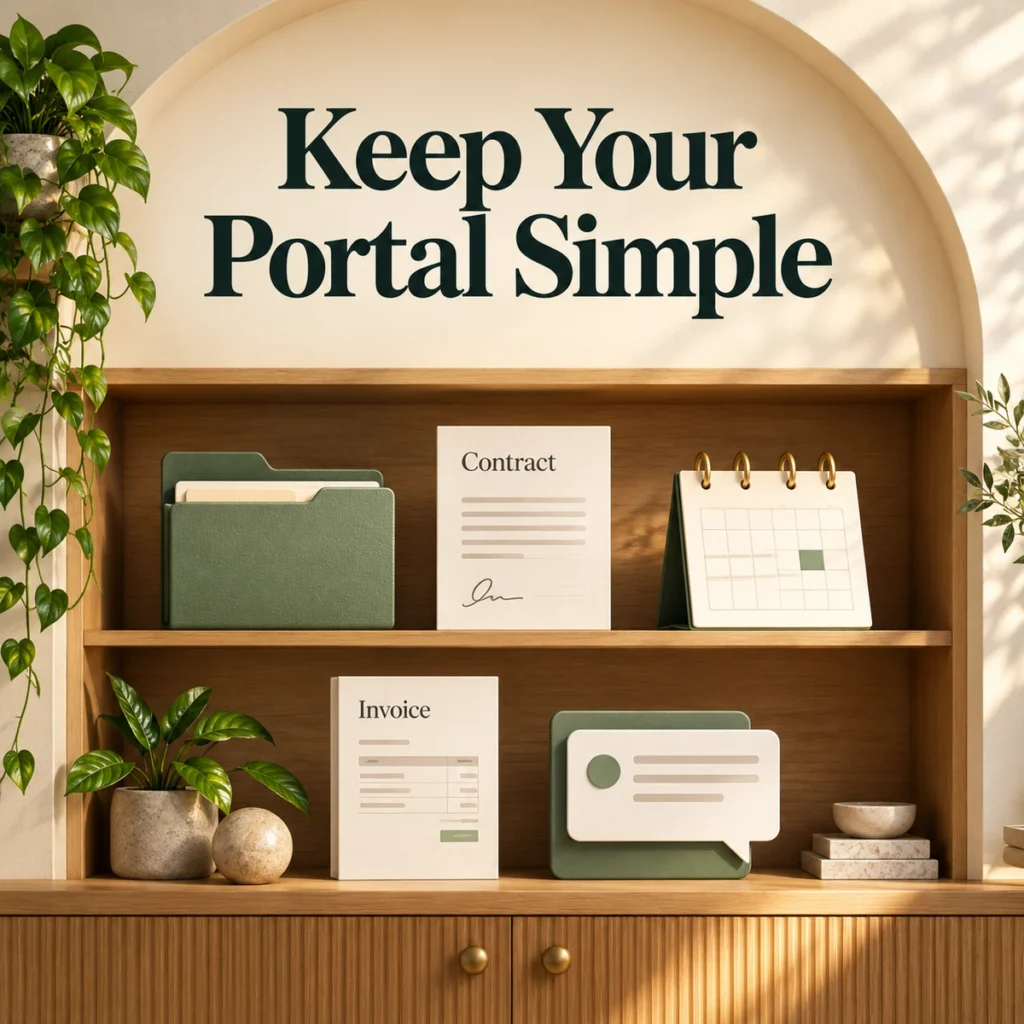
For a first project, start with five items: the agreement, the intake information, a milestone schedule, the current deliverable and the relevant invoice. Add a short welcome message explaining where feedback belongs.
The portal should support your client onboarding checklist. It cannot resolve an unclear scope, missing deadline or uncertain approval process by itself.
If billing is the main problem, compare invoicing software for freelancers before buying an entire suite. If your difficulty is organising internal work, freelance project-management software may be the more relevant category.
Frequently asked questions
Does every freelancer need a client portal?
No. A simple service with few documents may work with a clear email thread and shared folder. Consider a portal when clients repeatedly struggle to find information, approvals or payment details.
Can I use a client portal instead of project-management software?
Sometimes, but they serve different audiences. A portal exposes selected information to clients. Project-management software may contain internal planning, private notes and workload information that clients should not see.
Which client portal is easiest for clients?
That depends on your setup and the actions involved. Test the complete client journey on a phone using a separate account. A simple, well-organised portal often matters more than the number of features available.
Choose the smallest plan that completes your essential client actions, then run one real project through it before rebuilding your whole business around the software.