An AI builder can create a first draft quickly. The business decision is whether you can turn that draft into a useful website, maintain it and afford the ongoing plan.
The best AI website builders for small businesses depend on the site’s main job. Wix is a candidate for service businesses needing connected features; Squarespace for a design-focused site; Hostinger for a budget-conscious starting point with careful renewal checks; and Shopify for a business centred on selling products. These are use-case starting points, not measured quality rankings.
This comparison is based on official product information. It does not claim identical hands-on build tests across all four platforms.
Table of Contents
Decide what the website must help a visitor do
Choose the main action before comparing designs. A local service business may need enquiries and bookings. A consultant may need a clear offer and proof of experience. A retailer needs product information, checkout and order administration.
Write down your essential pages, conversion action and operating requirements. Include forms, booking rules, payment availability, accessibility, language and integrations where relevant. Distinguish what you need at launch from features you might use later.
If you only need a simple portfolio today, the advice in creating a freelance portfolio with no experience may help you avoid building more website than your current offer requires.
Compare the builders by business fit
| Builder | Starting fit to evaluate | Check in your trial |
|---|---|---|
|
Wix
|
Service-business pages and connected functions
|
Required booking/form capabilities and plan.
|
|
Squarespace
|
A visually consistent business site
|
Editing, mobile content and separate service costs.
|
|
Hostinger
|
A budget-conscious, straightforward site
|
Billing term, renewal, constraints and migration options.
|
|
Shopify
|
A product-selling business
|
Checkout, payments, variants, shipping and app costs.
|
Treat promotional prices as the beginning of the cost calculation. Check the billing term, renewal amount, taxes, domain renewal, email and any paid apps needed for your particular setup.
Wix — evaluate the connected service workflow
Wix’s AI website builder is worth evaluating when your business needs more than a brochure page. Look at how the site connects to enquiries, bookings and other functions you actually need.
Use the plan comparison to confirm the required capabilities. Do not assume an AI-generated booking section means the chosen subscription includes every booking or payment feature.
Test whether you can change the generated navigation, page structure and calls to action yourself. A service website often changes as the offer becomes clearer, so routine editing matters after the first design is finished.
Squarespace — evaluate design and ongoing editing
Squarespace’s AI website-building tools are a candidate for businesses that want a visually consistent site and an integrated editing environment.
Check the current pricing against commerce, scheduling or other requirements. Some business functions may involve separate products or additional costs; confirm the complete setup you intend to use.
Review the mobile layout with your real copy and images. A polished demonstration can look different once you add a long service name, a detailed testimonial or a product photograph with an unusual shape.
Hostinger — check the renewal and the constraints
Hostinger’s AI website builder is worth considering when budget and a straightforward setup are priorities. Read the offer carefully: introductory pricing, billing duration and renewal pricing can materially change the total commitment.
Confirm the features included in the exact plan and the options for moving your content later. Do not assume that a website built in a proprietary editor can be exported and recreated elsewhere without work.
Try the tasks you will perform regularly, such as replacing images, updating opening hours, editing a form and adding a service page. The lowest opening price is less useful if an essential task requires an awkward workaround.
Shopify — start here when the business is a store
Shopify’s website builder is a candidate when products, checkout and order operations are the core of the business. Evaluate the commerce workflow before spending time on visual effects.
Check payment availability, transaction-related costs, shipping requirements and any apps your store needs. Test product variants, confirmation emails and the mobile checkout journey. A generated homepage does not establish that the store is ready to accept orders.
If the products use outsourced fulfilment, our print-on-demand starting guide explains the supplier and cash-flow checks that sit beyond the website itself.
Can you edit the website after the first draft?

Ask the builder to create a draft, then make five ordinary changes: rewrite a headline, move a section, replace an image, add a page and change the main contact action. Notice where the interface feels clear and where you need help.
Check whether generated copy invents awards, years of experience, customer counts or services. Remove claims you cannot support. Replace generic stock imagery where it misrepresents your actual business.
Also verify who owns the domain and where renewal notices go. A site is harder to manage when a crucial account belongs to someone who no longer works with the business.
Test the whole website, not only the homepage

Use a five-page test: home, service or product, about, contact and the page or sequence that completes the main action. Open each on a phone and desktop with real content.
Check headings, readable text, image cropping, keyboard navigation, contact details and error messages. Submit the form using fictional information and confirm that the notification reaches the right person. If the form needs more advanced logic, compare form builders for small businesses before adding an unnecessary workaround.
For bookings or purchases, use the platform’s supported test process. Confirm what happens after submission, not merely whether the button looks attractive.
Calculate the first year and the renewal year
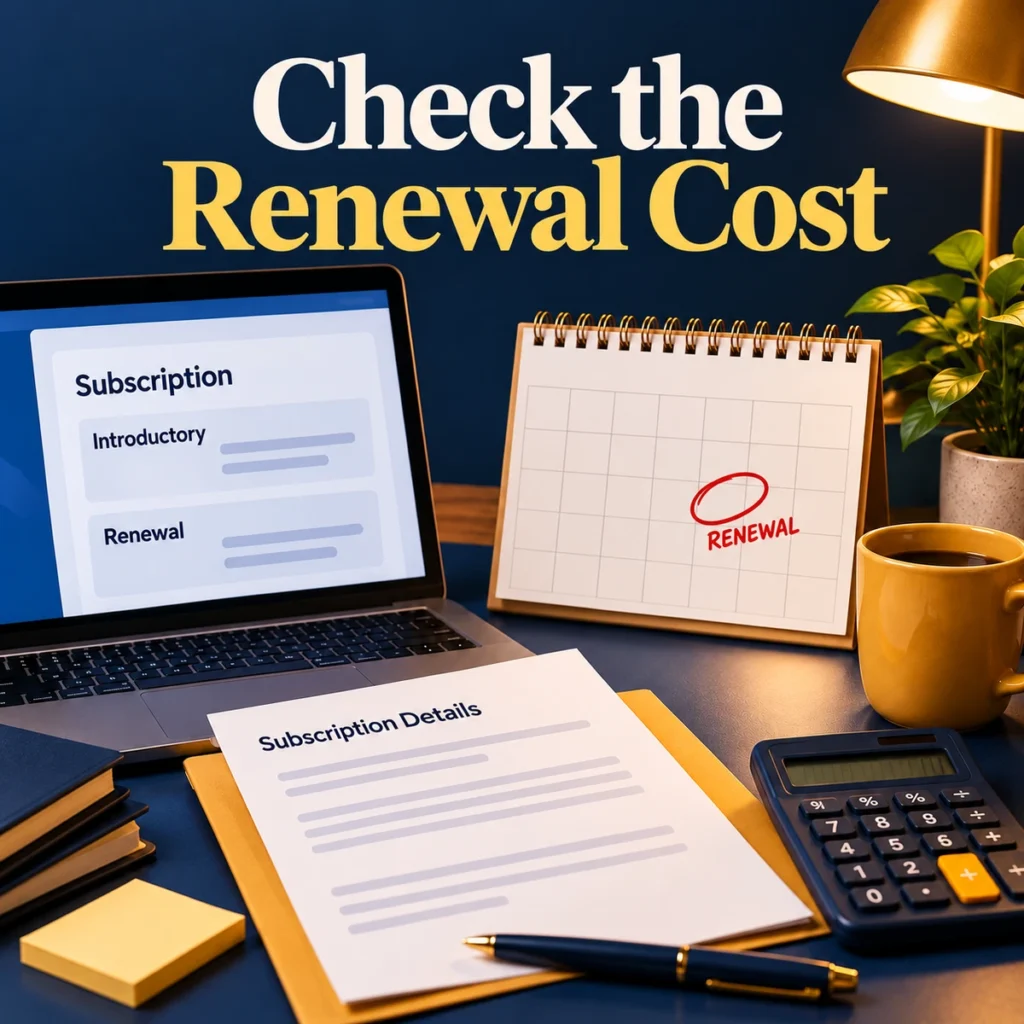
Create two totals. The first includes the initial subscription, domain, email, required apps and setup costs. The second uses renewal prices and expected ongoing app costs. Keep transaction fees separate if they depend on sales volume.
Record whether the quoted monthly figure requires a year or several years paid upfront. A discounted equivalent monthly price is not the same commitment as a month-to-month plan.
Avoid buying an annual plan solely because the first AI draft looks promising. Confirm the essential workflow and editing requirements first.
Frequently asked questions
Will an AI-built website rank on Google?
The builder alone cannot guarantee rankings. Useful content, crawlability, site structure, relevance, competition and other factors matter. Verify basic indexing settings and build pages that answer real customer questions.
Can an AI builder write all my website copy?
It can produce a starting draft, but you must check facts, claims, tone and whether the content accurately describes your business. Generic copy often needs substantial editing to become useful.
Which builder is cheapest?
That depends on the billing term, renewal, required features and add-ons. Compare the complete first-year and renewal-year costs for the same business requirements.
Choose the platform that supports the site you need to operate, not just the first page you can generate.